HTML Editor
Write, Preview, Learn
Your Free HTML Editor
A powerful browser-based HTML editor designed for learning and creating. Write HTML, CSS, and JavaScript with real-time preview, syntax highlighting, and instant feedback. Perfect for beginners and experienced developers alike.
Editor Features
Key Features
Everything you need to write, test, and learn HTML in one powerful online editor.
Real-time Preview
See your changes instantly as you type. No need to refresh or save - your code is rendered live in the preview panel.
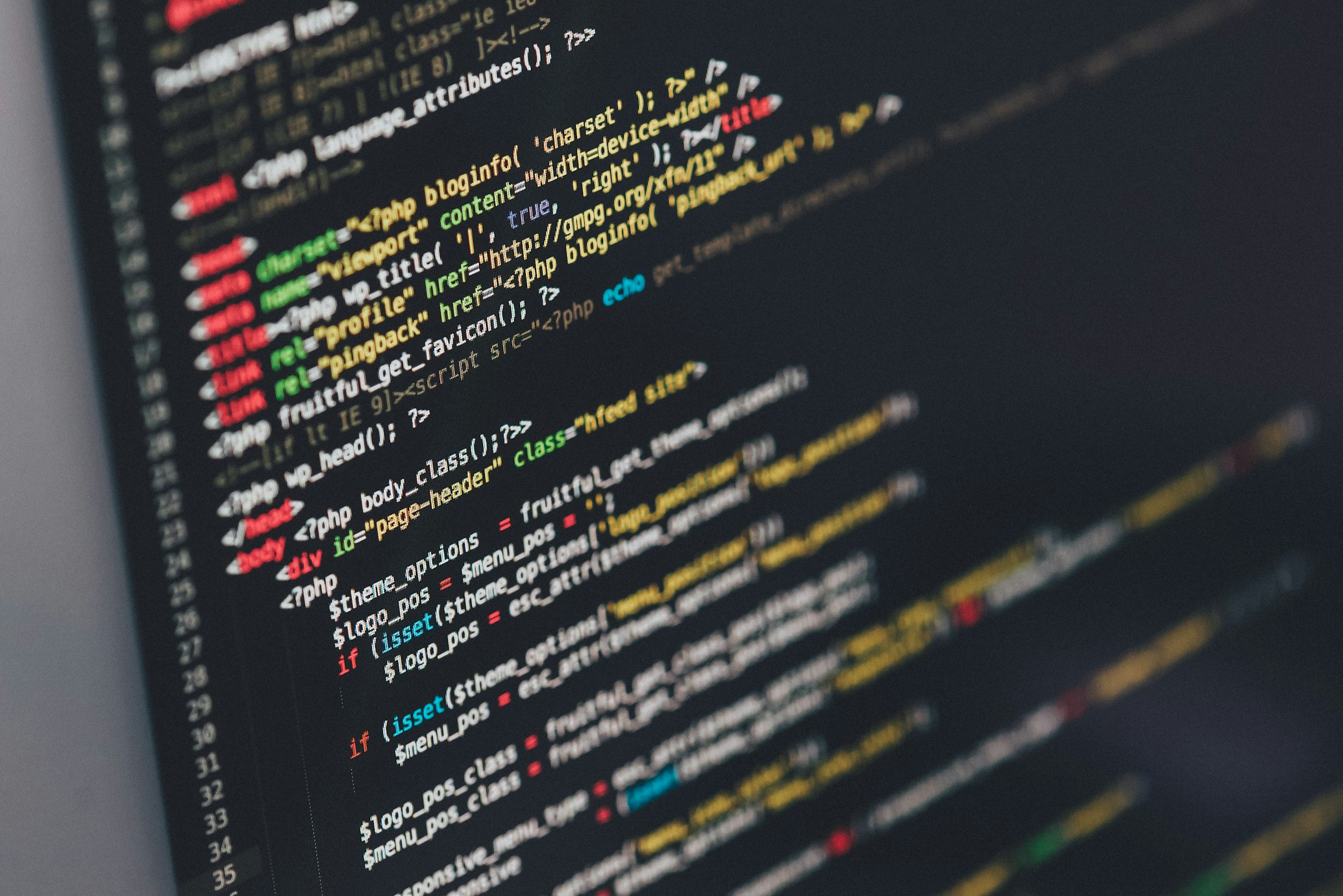
Syntax Highlighting
Professional code editor with color-coded syntax highlighting for HTML, CSS, and JavaScript, making your code easier to read and debug.
Multi-Language Support
Write HTML, CSS, and JavaScript all in one place. Separate panels for each language keep your code organized and clean.
Cloud Storage
Save your projects to the cloud and access them from any device. Never lose your work with automatic cloud backup.
Template Library
Start quickly with pre-built templates for common projects. Choose from landing pages, portfolios, forms, and more.
No Installation Required
Everything runs in your browser. No downloads, no setup, no configuration. Just open and start coding immediately.
Perfect for Learning and Creating
Whether you're learning HTML for the first time or building your next project, our editor has everything you need.
Clean interface designed to help you focus on learning. Clear error messages and helpful hints guide you as you code.
Advanced features like code formatting, auto-completion, and keyboard shortcuts make coding faster and more efficient.
Export your projects as HTML files or share links with friends, colleagues, or on social media.
Works on desktop, tablet, and mobile devices. Code on the go or from the comfort of your computer.
How It Works
Get started in seconds with our intuitive three-panel layout
Use the HTML panel to write your markup. Start with basic tags like <h1>, <p>, and <div>, or dive into more complex structures.
Make your page beautiful with CSS. Change colors, fonts, layouts, and more in the dedicated CSS panel.
Add interactivity and dynamic behavior with JavaScript. Create buttons that respond, forms that validate, and animations that delight.
Watch your creation come to life in the preview panel. Every change is rendered immediately so you can iterate quickly.
Ready to Start Coding?
Open the HTML editor now and start building your first web page in minutes. No sign-up required.